Digital Photography, Graphics Barcode Software Digital Photography, Graphics Barcode Software
  • Language
    • de Deutsch
    • it Italian
    • es Spanish
    • fr French
    • mx Spanish
    • ru Russian
  • Products
    • Zoner Photo Studio
    • Zoner Draw
    • Zoner Panorama Maker
    • Zoner 3D Photo Maker
    • Zoner Photo Print
    • Zoner Web Gallery
    • Zoner Barcode Studio
    • Zoner GIF Animator
    • Sendblaster
  • Download
  • Order
  • Upgrade
  • Partners
  • Support
  • Products
  • Zoner Photo Studio
    • Compare Versions
    • Download
    • Features
    • Older Versions
    • Screenshots
    • New features
    • Order »
  • Zoner Draw
  • Zoner Panorama Maker
  • Zoner 3D Photo Maker
  • Zoner Photo Print
  • Zoner Web Gallery
  • Zoner Barcode Studio
  • Zoner GIF Animator
  • Sendblaster
  • Homepage »
  • Products »
  • Zoner Photo Studio »
  • Features
  • Publish
  • Acquire
  • Information
  • Edit
  • Editor

Digital Photography Unleashed

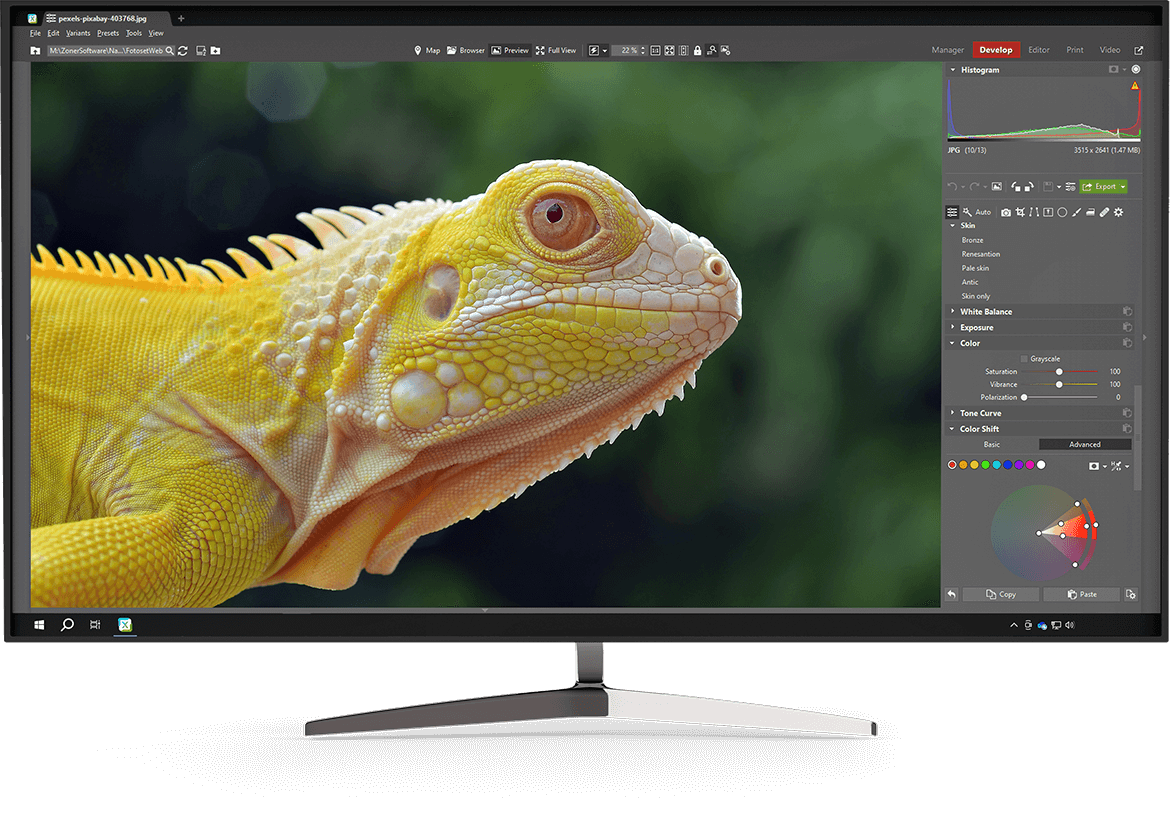
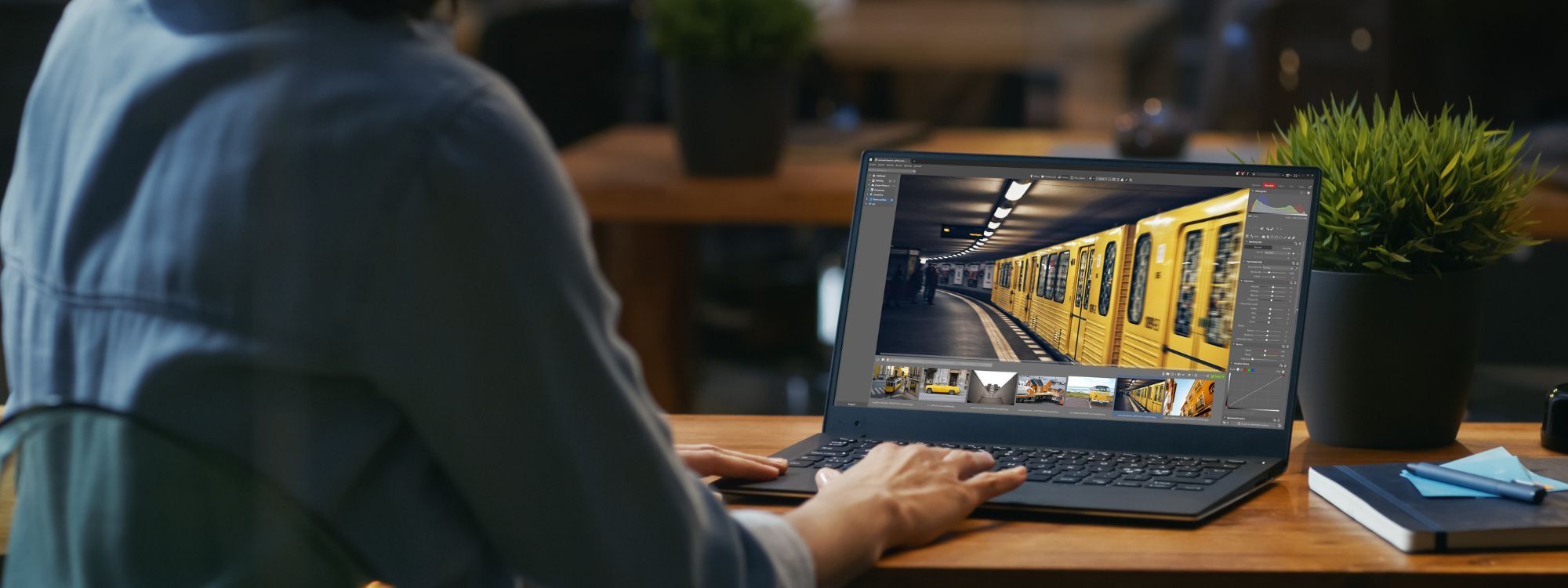
Zoner Photo Studio is a tool that can lead you through the whole process of managing and processing digital photos: acquiring, editing, archiving, and publishing them. This universal "all-in-one" solution offers you exceptionally easy work, without the need to constantly jump from one program to another.

screenshot

Acquiring Images

Support for all types of digital cameras (both USB Mass Storage and Canon), scanning over the TWAIN interface, web image spidering, extended screen shots, and acquisition of data from the Clipboard. Support for converting ("developing") photos out from the Canon RAW (CRW) format.

Photo Editing and Enhancement Tools

Everything you need for enhancing photos and removing image defects: editing of exposure by editing curves and levels, colors, sharpness, and histogram levels; shadow brightening; red-eye reduction, noise, and chromatic defects; barrel/pincushion correction; editing of perspective, horizon, and collinearity; retouching tools - clone stamp, iron, fill, and paintbrush; rotation; cropping; batch operations, and more.

  • Precise 16-bit/channel processing
  • More on the tools in Zoner Photo Studio

Image Magic

Stunning image effects: effects include conversion to grayscale, color manipulation, explosions, oil painting, antique photo, add grain, waves, and more. Also: frames, envelopes, soft shadows, and more.

Managing Your Digital Archive

Descriptions, text and audio notes, keywords, and cataloging of external media (CDs and DVDs). Searching, filtering, and sorting; file operations; batch renaming and conversion.

Unlimited Possibilities for Printing and Presenting Photos

Print jobs based on graphical templates, including dynamic templates for calendars, contact sheets, and paper saving; export of print jobs to the PDF format; web galleries with support for a tree structure; FTP transfer; optimization of photos for sending by e-mail; panoramas; 3D photos; composing of HDR pictures; direct CD/DVD burning including an external viewer; burning to the VideoCD format; panorama maker; slide shows including transition effects and publishing of slideshows to PDF.

  • More on composing HDR pictures
  • More on creating 3D photos
  • More on creating panoramas

Choose Just the Power You Need

Zoner Photo Studio is available in four variants containing a varying portion of its complete portfolio of tools. You can choose "your" version according to your needs and digital photography processing knowledge.

  • Compare the Professional, Home, Xpress, and Classic versions

Compatibility with Windows Vista

Zoner Photo Studio 10 is fully compatible with the Windows Vista operating system, and the interface has been considerably modified to this end. When you've installed Zoner Photo Studio on Vista, you can make use of the attractive Aero visual styles.

System Requirements:

OS: Windows™ 2000/XP/Vista. Cannot be installed on Windows 95/98/ME.
Processor: Pentium 300 MHz or higher
Memory: 256 MB RAM
HDD: 120 MB of free disk space
Resolution: 1024 × 768 High Color
Internet Explorer 6.0 and DirectX 8 (or higher) must be present
The downloading of photos over the WIA interface is not supported on Windows 2000
  • Publish
  • Acquire
  • Information
  • Edit
  • Editor
 
Contact Us | Privacy Policy | Refunds
© 2008 ZONER Inc.